







Business Report

Business Report

Quickly Share Real-Time Updates from the Field with Business Report

Business Report lets you submit, view, and aggregate on-site reports in a private environment dedicated to your company. By collecting and sharing information in real time, it supports rapid decision-making during disasters and improves operational efficiency.
Video

How to Use Business Report in Just 2 Minutes

This video walks you through the entire process in a simulated disaster scenario, from push notifications to aggregated results on the admin dashboard.

Five Key Features of Business Report

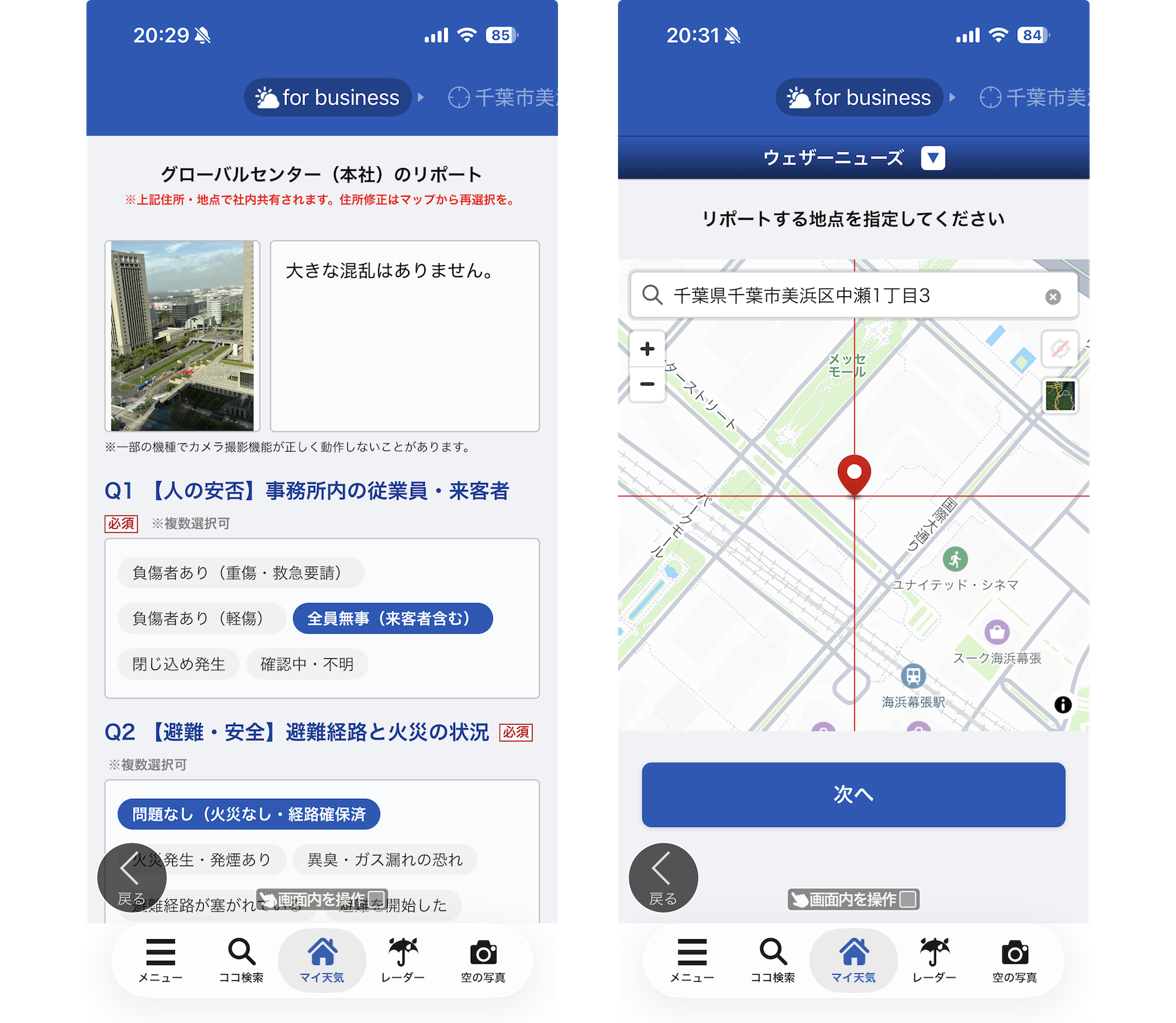
  • Push Notifications to Request Reports: Request reports directly on employees' smartphones through automatic notifications triggered by earthquakes or tsunamis, or manual notifications sent whenever needed.
  • Flexible Question Customization: Freely create and modify multiple-choice questions to suit your company's business continuity planning (BCP) measures.
  • Flexible Reporting from Company Sites or Any Location: Reports submitted from a pre-registered site page are linked to the corresponding site. Employees can also select any location on the map to submit reports, allowing them to share real-time information not only about company sites but also about nearby road damage, accidents, fires, and other conditions encountered while traveling.
  • Secure Information Management: A dedicated environment where only members of your company can view and submit reports. Access can also be restricted so that only administrators can view the information.
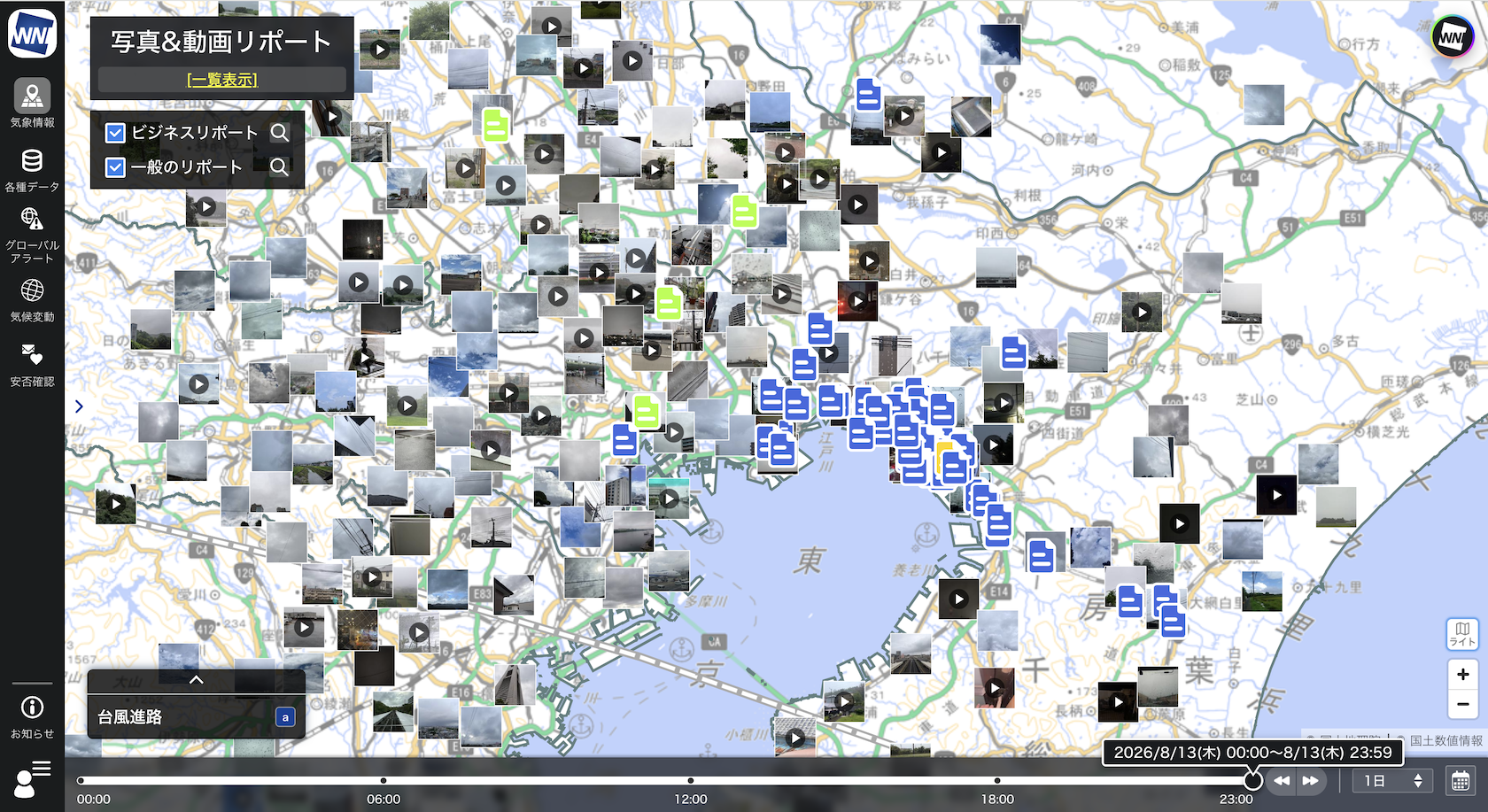
  • View Business and Public Reports Together on the Map: Business Report appears in the Photos & Videos Report menu, where reports can be viewed on the map alongside the many reports submitted by the wider Weathernews app community. Even before employee reports arrive, public reports near your sites can provide an early picture of local conditions.

Key Features and Screenshots

Intuitive Situational Awareness: Submitted reports and photos are plotted on a map, giving you a clear visual overview of what is happening and where. You can also switch to a list view or download the data in CSV format.

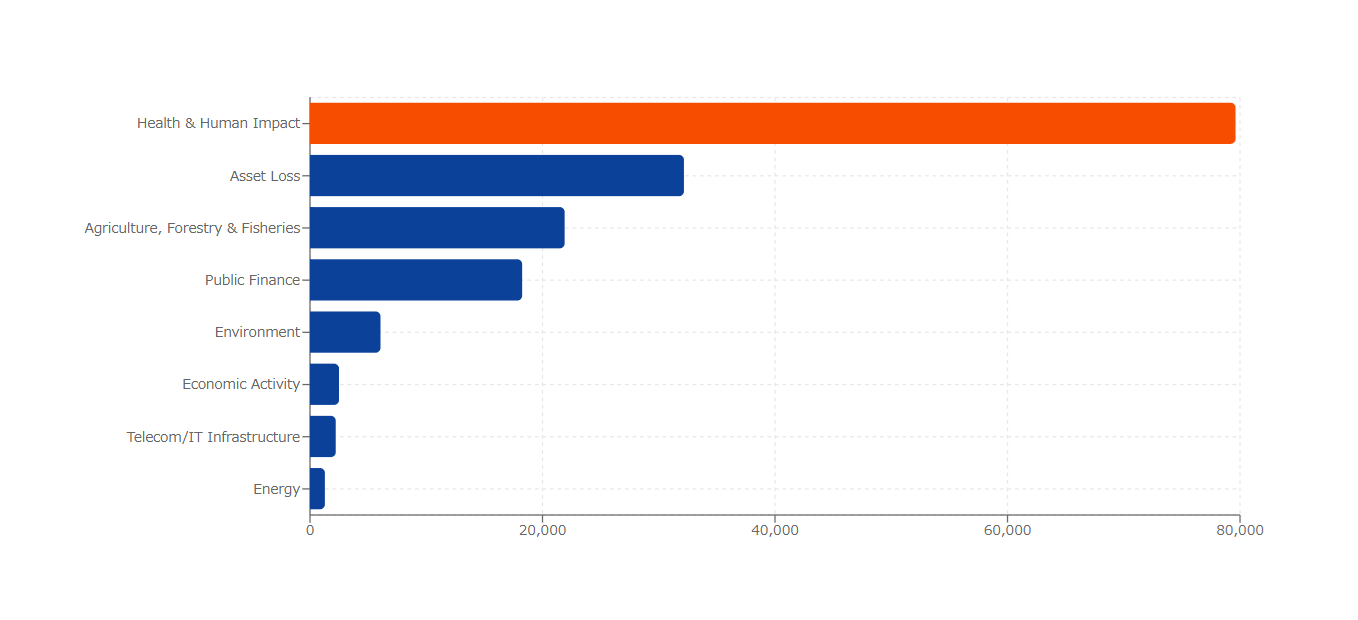
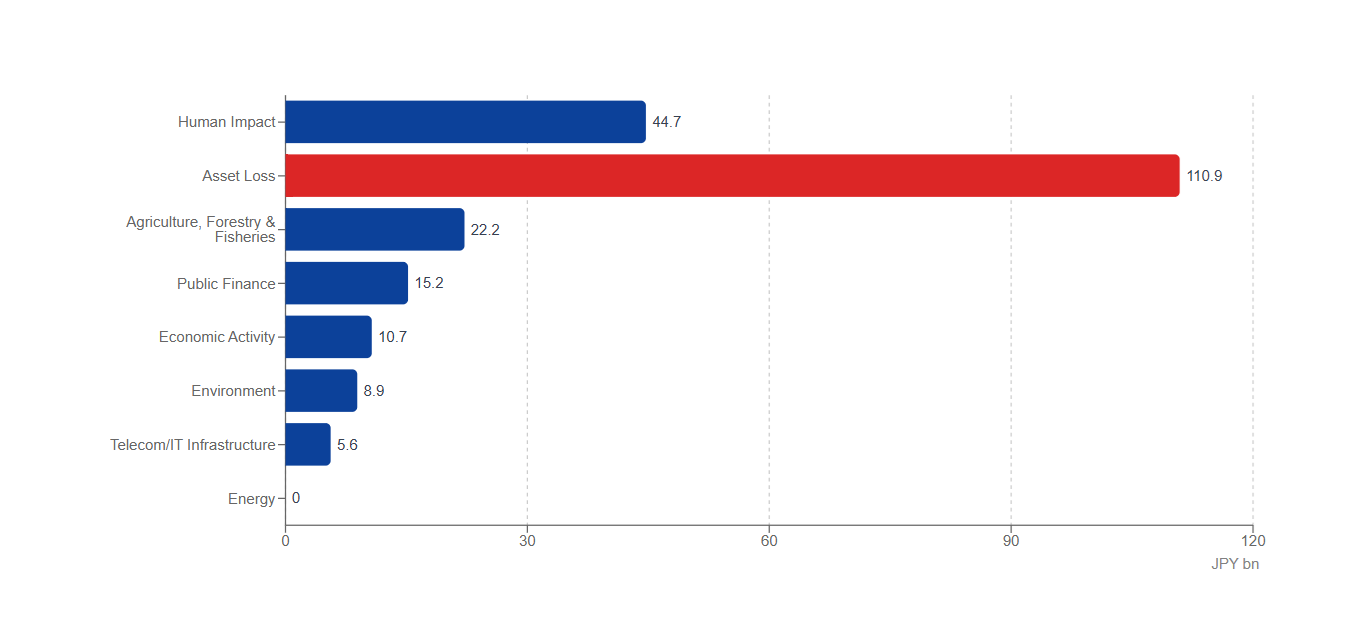
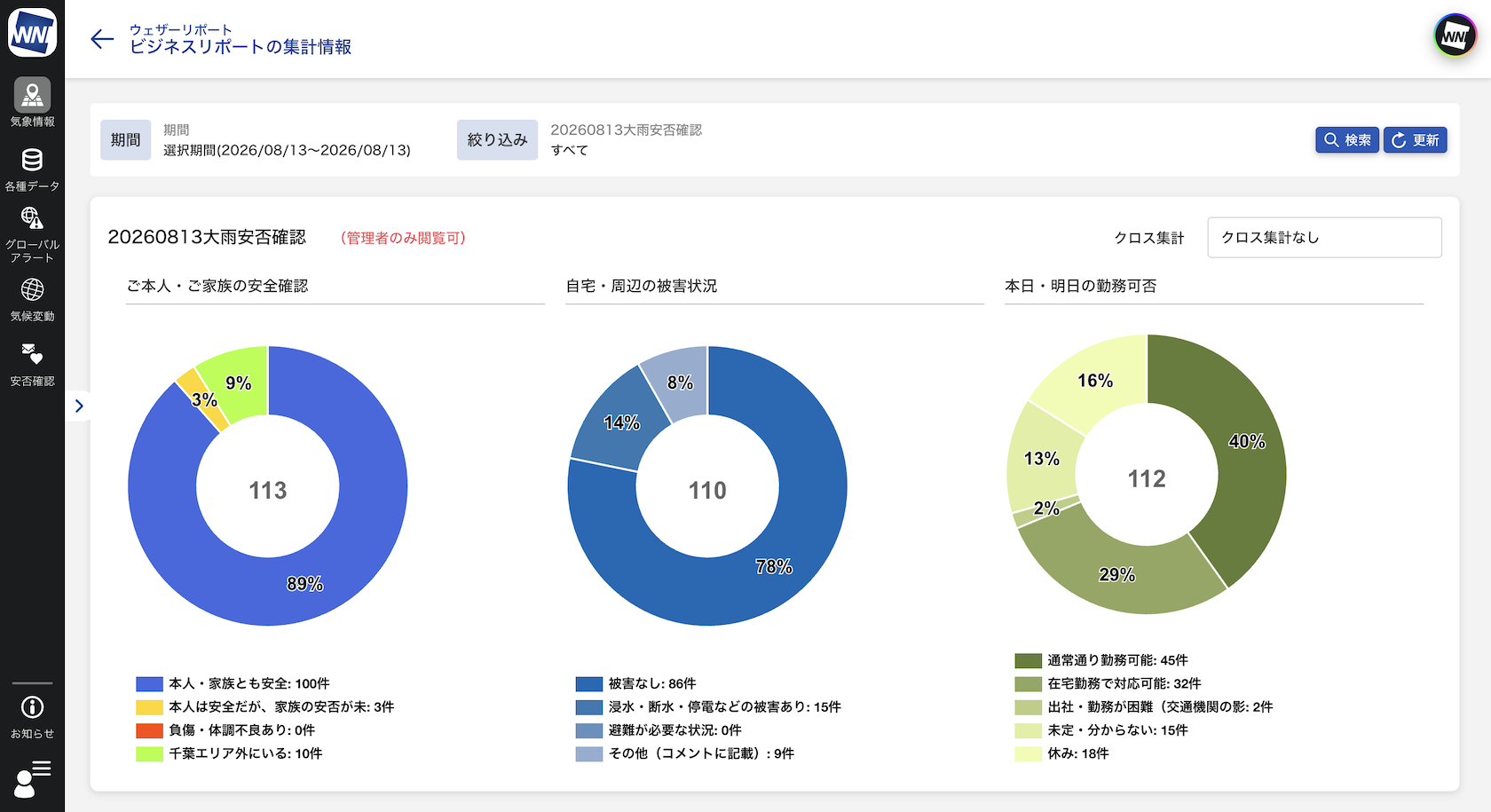
Automatic Response Aggregation: Responses are automatically aggregated on the dashboard, with counts and percentages displayed in easy-to-read charts.

Effortless Reporting: Staff can simply tap a notification to quickly and easily report their situation.

Note: Business Report is available upon request as part of the standard Weathernews for business service at no additional cost. Please contact our support team for details on getting started.